Your Keyboard Layout Is Leaking Into Your Passwords
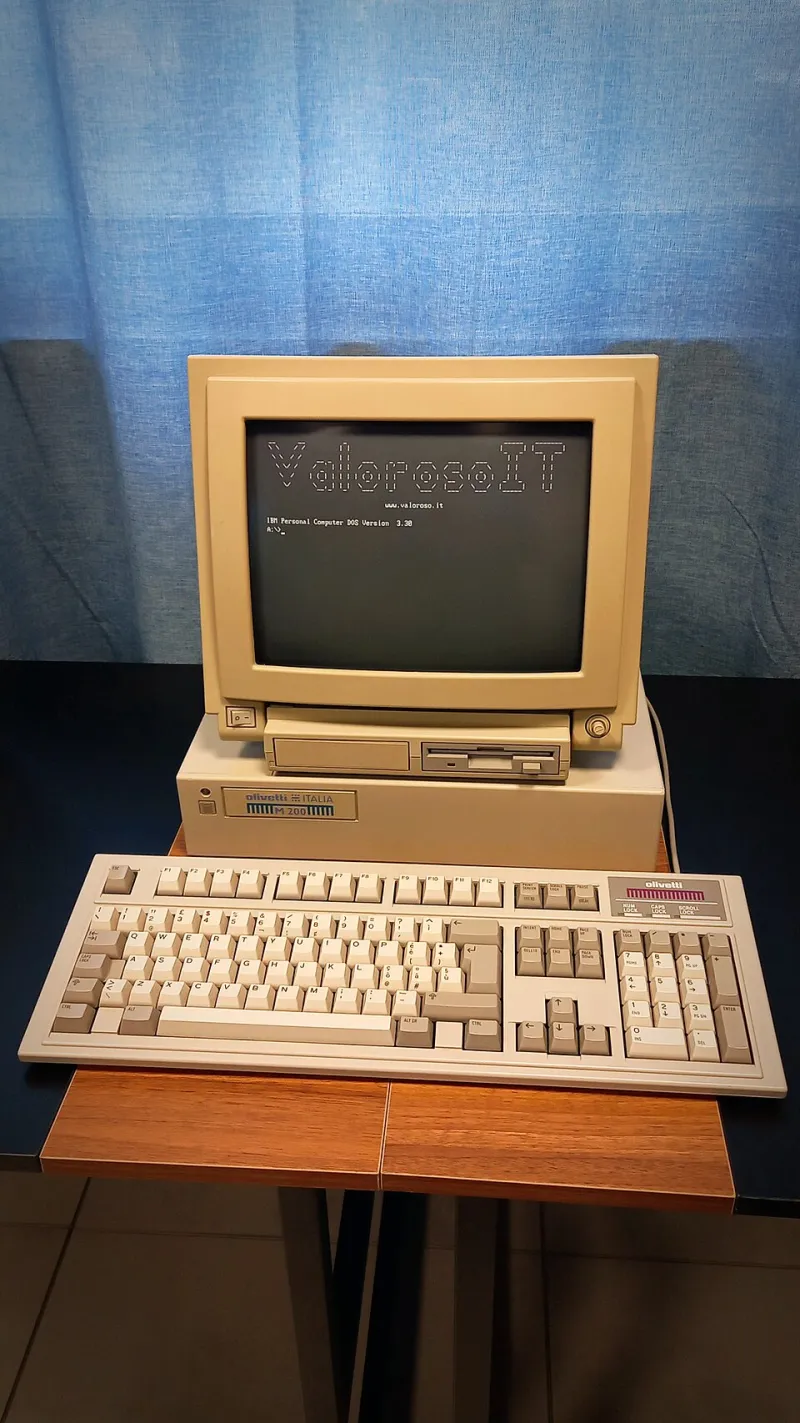
Photo: ValorosoIT, CC BY-SA 4.0, via Wikimedia Commons
Ask a penetration tester what a "keyboard walk" is and they'll sketch you the same shape: a snake of adjacent keys. 1qaz2wsx. !QAZxsw2. qwer1234. These patterns exist because human fingers are lazy and QWERTY is a grid — walk your finger along a row and you've got a password that feels random but is trivially predictable.
But here's the wrinkle almost nobody accounts for: not everyone is typing on QWERTY. And the people who aren't are quietly breaking your pattern rules.
The Layout Blind Spot
Dvorak and Colemak users are a small but real population in the US — developers, writers, ergonomics enthusiasts, and that one coworker who won't stop talking about RSI. Estimates vary, but alternate layouts likely account for somewhere in the low single-digit percentages of typists. Small enough to ignore? Maybe. Except those users are overrepresented in exactly the populations red teamers care about: technical staff, sysadmins, power users.
Here's the thing about typing 1qaz2wsx on Dvorak: you can't. The physical keys are in the same place, but the characters they produce are completely different. A Dvorak user who instinctively walks their fingers along the top-left of the board types something like 1'..,aoe — gibberish to a QWERTY-trained cracker, but just as predictable to anyone holding the right layout map.
The pattern didn't disappear. It just moved.
A Mini-Study: Same Fingers, Different Boards
We wanted to see how much this matters in practice, so we ran a quick comparison. The setup:
- Corpus: A leaked-style sample of synthetic passwords mimicking real-world frequency distributions (nothing sourced from actual breaches — generate your own test data, folks).
- Ruleset A: Classic QWERTY keyboard-walk patterns, the kind baked into most rule files you'll find bundled with hashcat.
- Ruleset B: The same walks, remapped through Dvorak and Colemak key positions.
Against a QWERTY-typed sample, Ruleset A won as expected — nothing surprising there. But when we fed the sample passwords generated by simulated Dvorak and Colemak typists, Ruleset A's hit rate cratered while Ruleset B picked up the slack. The gap was dramatic: layout-aware lists recovered walk-pattern passwords at several times the rate of the QWERTY-only ruleset.
The takeaway isn't that Dvorak passwords are stronger. It's that they're differently weak — and predictability you can't see is predictability you can't exploit.
Why This Matters More Than It Used To
A decade ago, you could shrug this off. Alternate layouts were rare enough that the math didn't justify the effort. Three things changed:
- Remote work. People configure their home machines however they want, with no IT department to normalize layouts.
- Better layout tooling. Switching layouts is now a two-minute settings change on Windows, macOS, or Linux, and Colemak's popularity has grown steadily in programming communities.
- Pattern fatigue. As QWERTY walks get exhausted by every cracker on earth, the marginal value of niche rulesets goes up, not down.
If you're auditing a 5,000-person org, even a 2% alternate-layout population is a hundred people — including, statistically, a few with privileged access.
Building Layout-Aware Walks
The mechanics are refreshingly simple. Every keyboard walk is just a sequence of physical key positions. Take your existing walk rules, map each character through the target layout's key positions, and generate the remapped output:
- QWERTY
qwerty→ Dvorak',.pyf - QWERTY
asdfgh→ Colemakarstdh
You don't need to guess who uses what. Generate walks for all three major layouts, dedupe the overlap (QWERTY and Colemak share more positions than you'd think), and let the cracker sort it out. The extra keyspace is trivial compared to the rules you're already running.
A word of caution, though: don't treat layout-aware lists as a replacement for the fundamentals. Mask attacks, dictionary hybrids, and markov-based generation still do the heavy lifting. This is a supplement — a small, cheap edge for a population your competitors forgot about.
The Bigger Lesson
Keyboard walks work because they model human behavior, not because QWERTY is special. The moment you forget that — the moment your ruleset becomes a shrine to one specific keyboard — you're pattern-matching a world that no longer exists.
The same logic extends everywhere. Input method matters. Autocorrect matters. Even which hand someone favors changes which walks they're likely to attempt. The best wordlists aren't the biggest ones; they're the ones built on an accurate model of how people actually type.
So the next time a walk attack comes up empty, ask yourself an uncomfortable question: are you cracking the user's habits, or just your own assumptions about their keyboard?
Want to experiment? Fire up our generator, feed it a layout map, and see what your QWERTY rules look like through Dvorak-colored glasses. It's a five-minute exercise that might explain a hash or two that's been sitting in your "unresolved" pile.